Introdução
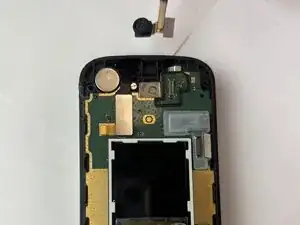
Is the camera not showing anything, taking blurry pictures, or lagging when taking pictures? This guide will show you how to replace the camera on an Alcatel Go Flip Phone 4.
Before replacing the camera, check out our troubleshooting page to make sure the lag and black screen is caused by the camera and not another factor.
Step 1 requires an iOpener to detach the display frame. For additional information on how to use it refer to this guide here.
Before beginning this repair, make sure to power off your phone and have it unplugged from the charger.


-
-
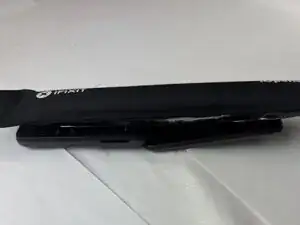
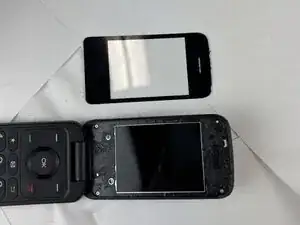
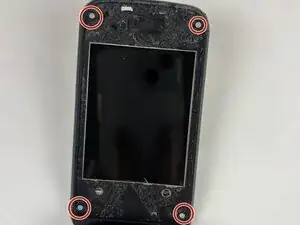
Heat the screen cover with an iOpener to soften the adhesive holding it to the display frame.
-
-
-
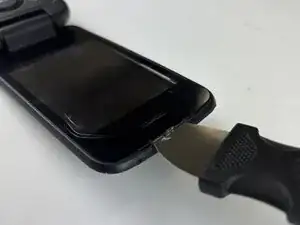
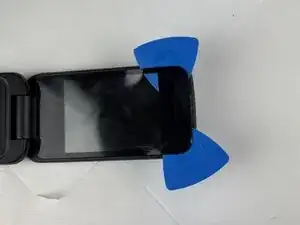
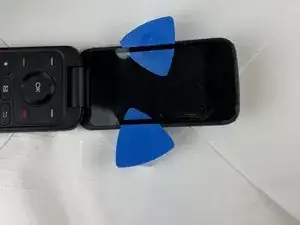
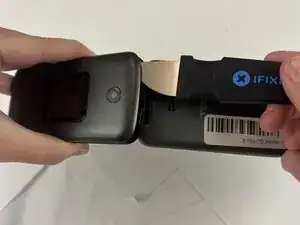
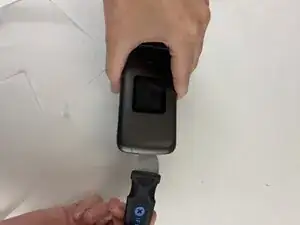
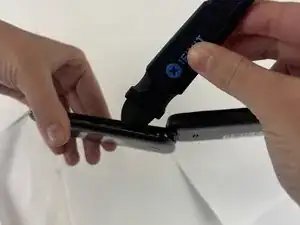
Starting at the hinge side, insert the Jimmy between the rear cover and the display's frame.
-
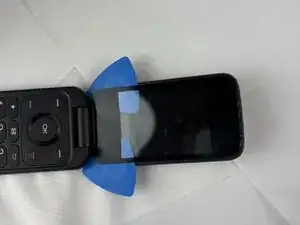
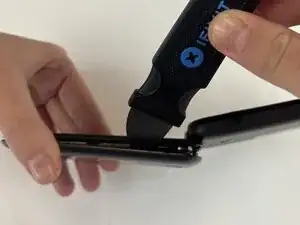
Continue down the side of the phone, releasing clips as you go.
-
-
-
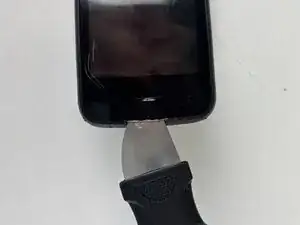
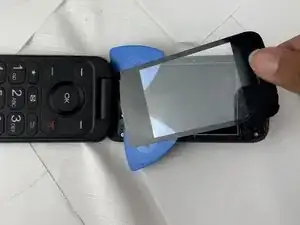
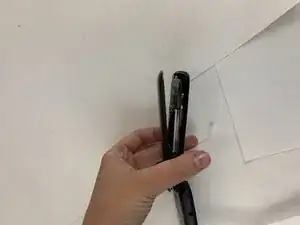
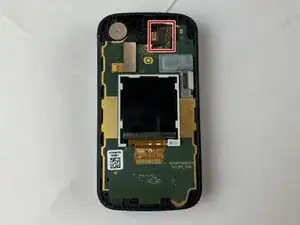
Work your way across the bottom and up the other side to separate the rear cover from the rest of the phone.
-
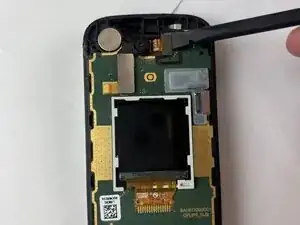
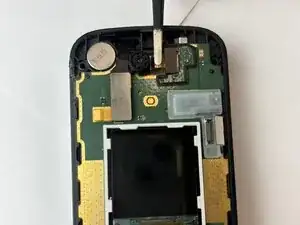
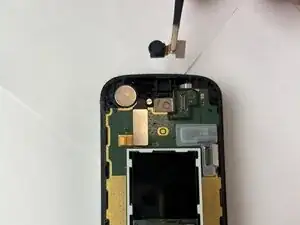
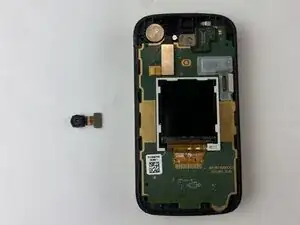
To reassemble your device, follow these instructions in reverse order.