Introdução
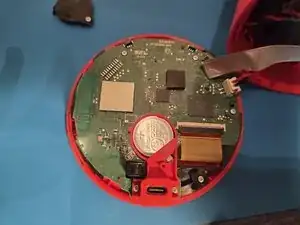
If your alarmo is no longer saving date and time when it loses power, it's probably the CMOS battery. This guide will instruct you on how to swap it.


Peças

-
-
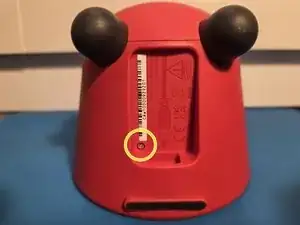
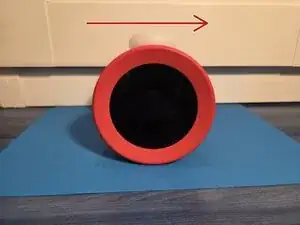
Flip your Alarmo so you can see the USB-C port.
-
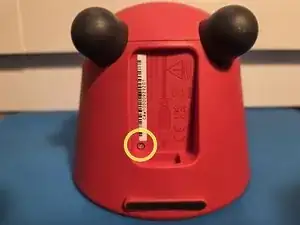
Use a tri-point Y00 driver to remove the silver screw just below the S/N sticker.
-
-
-
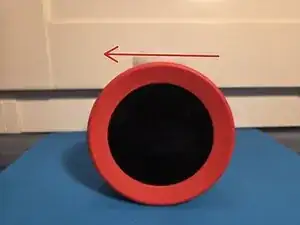
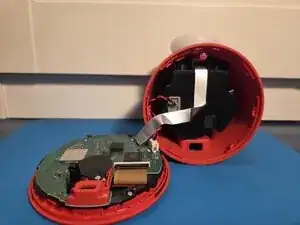
Snap the front plate with the back of the alarmo.
-
Align the charging port with the charging port hole.
-
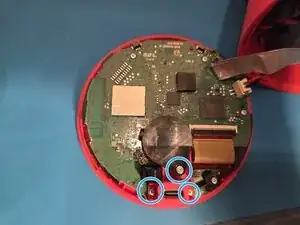
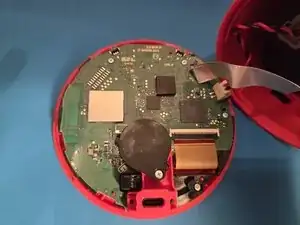
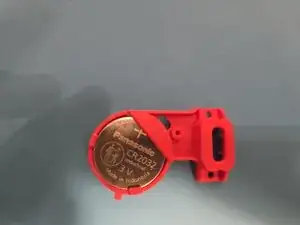
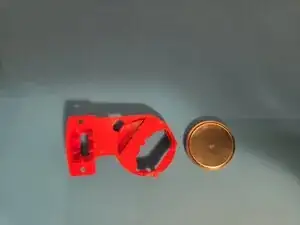
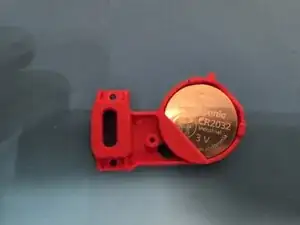
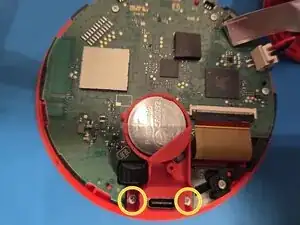
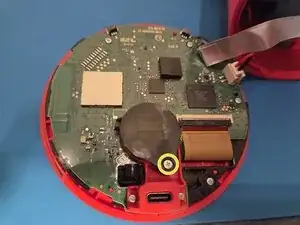
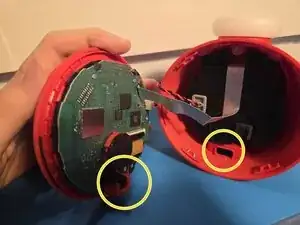
You swapped the battery! No more steps required.
When you power on the alarmo, the clock will be set at 1AM at 01/01. It will be adjusted automatically after a few seconds if you have an internet connection set up. If you don't have an internet connection or it doesn't adjust after a minute, you can adjust the Time and Date at settings -> Date and Time.
Please throw your old battery in a battery collection point.