Introdução
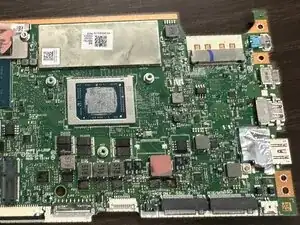
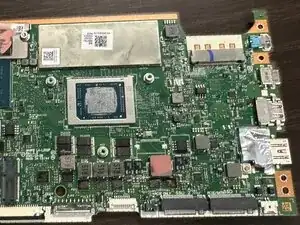
This guide shows how to replace the motherboard in the Acer Swift X N20C12. This guide takes the longest because the motherboard cannot be removed unless multiple other components are removed first.
The motherboard is the component that links all of the other components together ex. IO board, CPU, etc. On laptops, the biggest and probably one of the few reasons for replacing the motherboard is physical damage.


-
-
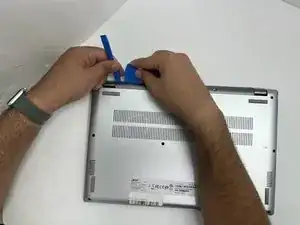
Insert an opening pick in the seam between the lower case and chassis.
-
Slide the pick around the perimeter while prying until the lower case releases.
-
Remove the lower case.
-
-
-
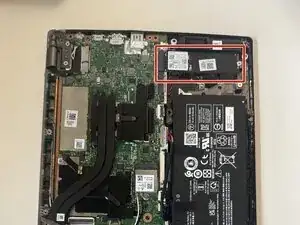
Gently remove the SSD from the computer by pulling it straight out of its motherboard socket.
-
-
-
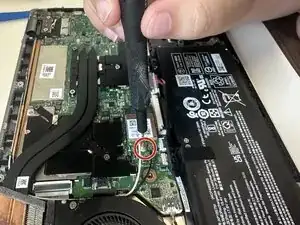
Use the pointed end of a spudger to lift and disconnect the two Wi-Fi card antenna cables.
-
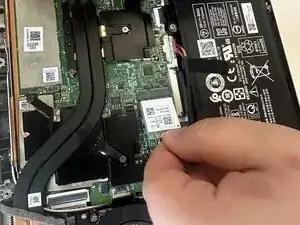
Take the Wi-Fi card out by gently pulling it away from the motherboard connector.
-
-
-
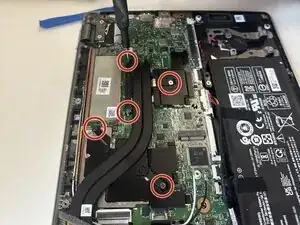
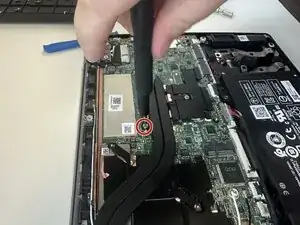
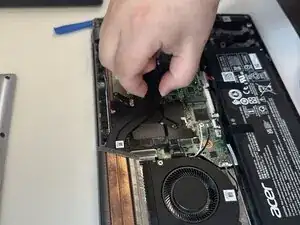
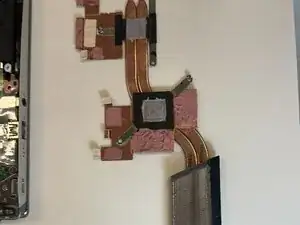
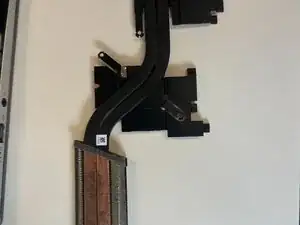
Hold the heatsink firmly with your fingers and lift it straight up to remove it from the laptop.
-
-
-
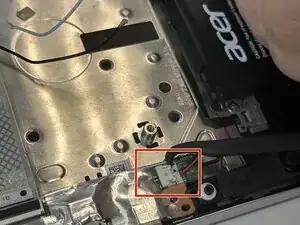
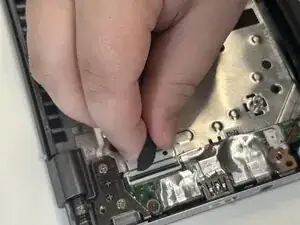
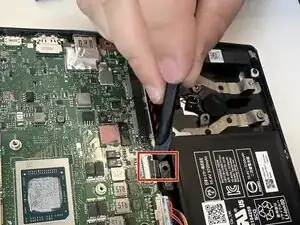
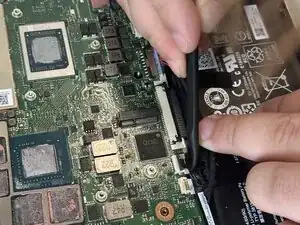
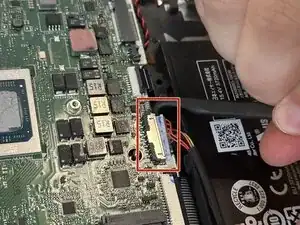
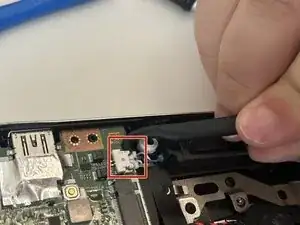
Use a spudger to release the black ZIF connector above the battery.
-
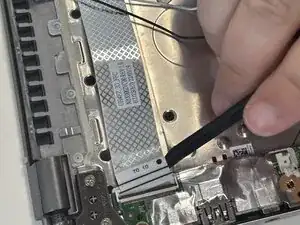
Disconnect the ribbon cable.
-
-
-
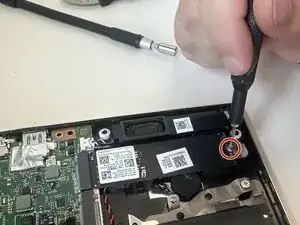
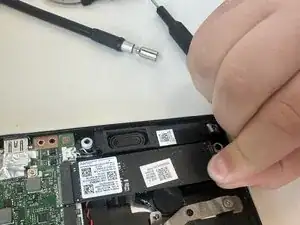
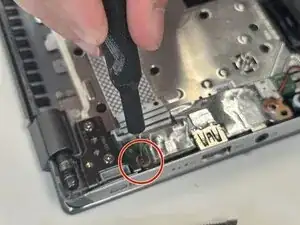
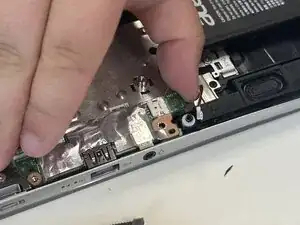
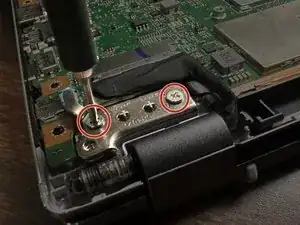
Remove the 5 mm screws on the two hinges with a Phillips screwdriver.
-
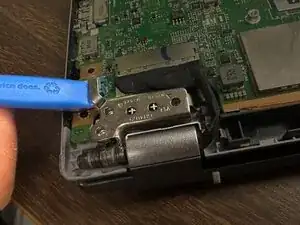
Lift the hinges perpendicular to the motherboard.
-
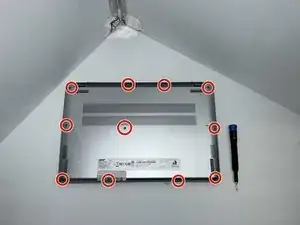
To reassemble your device, follow the above steps in reverse order.
Take your e-waste to an R2 or e-Stewards certified recycler.
Repair didn’t go as planned? Try some basic troubleshooting or ask our Answers community for help.