Introdução
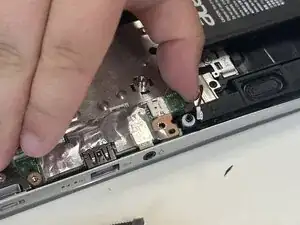
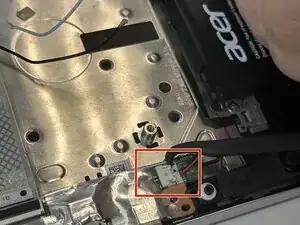
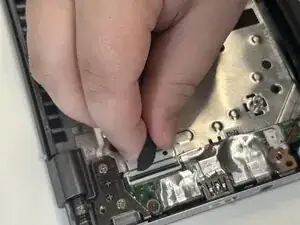
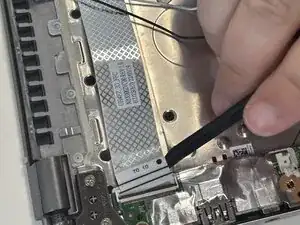
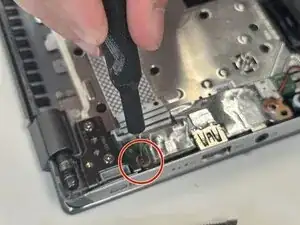
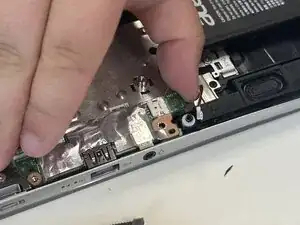
This guide shows how to replace the IO board in an Acer Swift X N20C12. The removable IO board in this laptop holds a USB port and a headphone jack.
You may want to replace it if any of the port or jack do not work properly anymore ex. laptop not detecting plugged USB or no audio from laptop in working headphones.


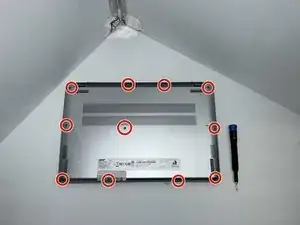
-
-
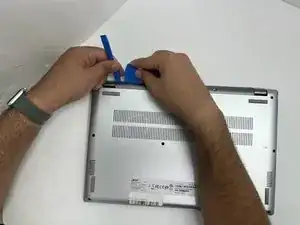
Insert an opening pick in the seam between the lower case and chassis.
-
Slide the pick around the perimeter while prying until the lower case releases.
-
Remove the lower case.
-
Conclusão
To reassemble your device, follow the above steps in reverse order.
Take your e-waste to an R2 or e-Stewards certified recycler.
Repair didn’t go as planned? Try some basic troubleshooting or ask our Answers community for help.