Introdução
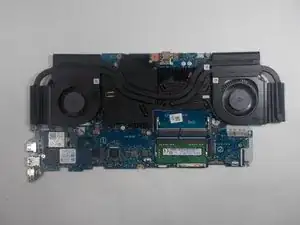
This guide will show you how to remove the motherboard from an Acer Nitro AN515-55M1 laptop.
Ferramentas


-
-
Flip the device so the bottom is facing up.
-
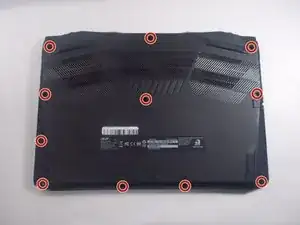
Use a Phillips #1 screwdriver to remove the eleven screws securing the bottom cover.
-
-
-
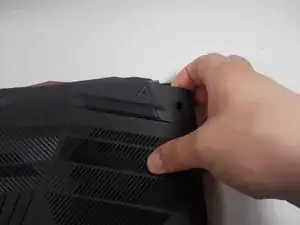
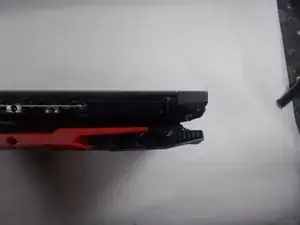
Insert an iFixit opening tool into a gap along one edge of the bottom cover and gently pry upward to release the plastic clips. Work your way around the edges until all clips have released.
-
Lift the bottom cover away from the laptop and set it aside. Lift the top left and right corners up and away from the device.
-
Remove the panel from the laptop.
-
-
-
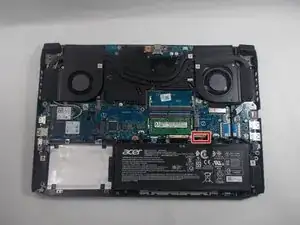
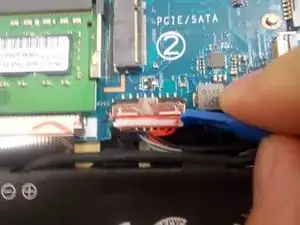
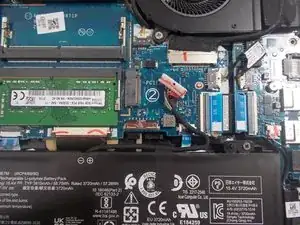
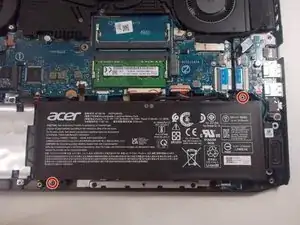
Remove the two screws from the battery with a Phillips #1 screwdriver.
-
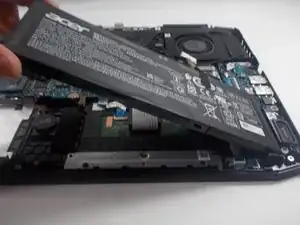
Remove the battery by pulling up and out from the left side.
-
-
-
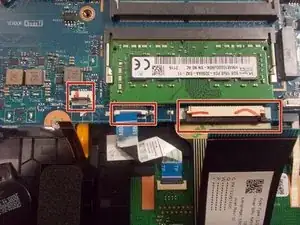
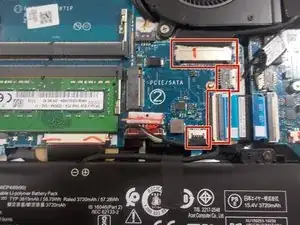
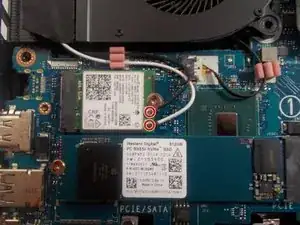
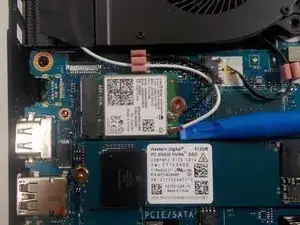
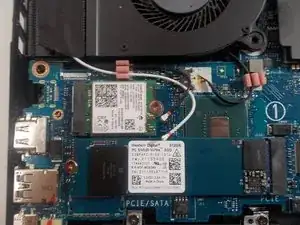
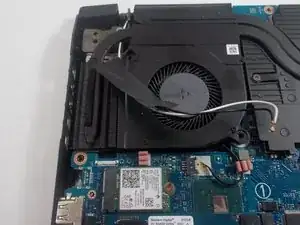
Use an iFixit opening tool to lift the two Wi-Fi antenna cables up and away from the Wi-Fi card.
-
-
-
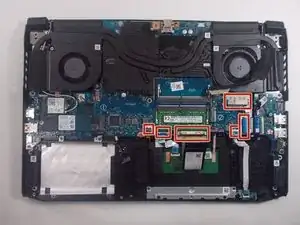
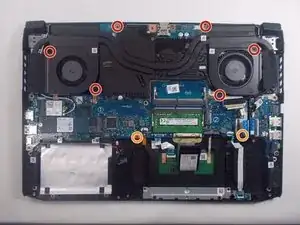
Remove the six screws surrounding the fan using a Phillips #1 screwdriver.
-
Remove the two shorter screws from the motherboard using a Phillips #1 screwdriver.
-
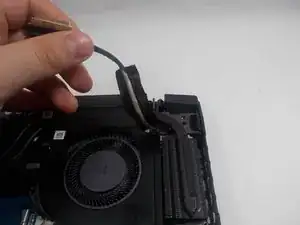
Lift the taped wires off of the fans on the right and left sides.
-
-
-
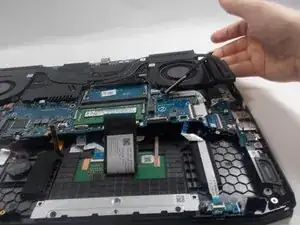
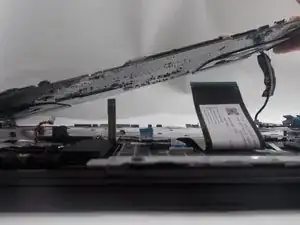
Lift up the right side of the motherboard.
-
Continue to lift at an angle until there is a give.
-
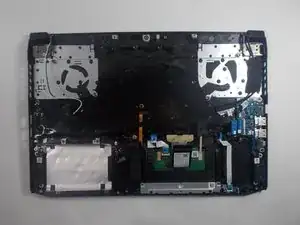
Remove the motherboard and fans from the laptop.
-
To reassemble your device, follow these instructions in reverse order.

Um comentário
Where would I go to buy a new motherboard and display?