Introdução
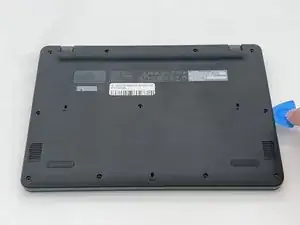
If the back cover of your Acer Chromebook Spin 511 (C741L) N20Q8 is scratched, cracked, or physically damaged in any other capacity, you will need to replace it.
Without the plastic casing, the internal components of the computer become susceptible to further damage.
Before beginning, make sure your device is powered off and disconnected from any external sources.


-
-
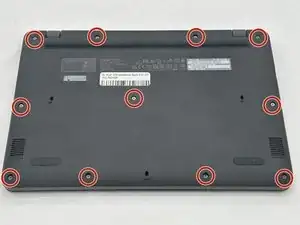
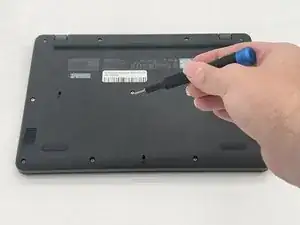
Remove the eleven 2.4 mm screws securing the back plate and internals of the Chromebook using a Phillips #1 screwdriver.
-
-
-
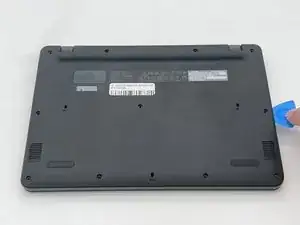
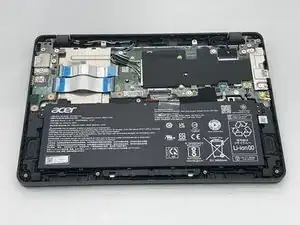
Use an opening pick to remove the backplate of the laptop revealing the internals of the Chromebook.
-
Conclusão
To reassemble your device, follow these instructions in reverse order.