Introdução
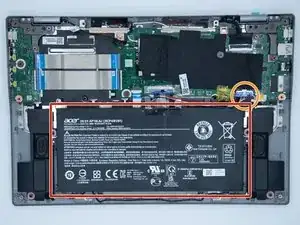
If you have noticed that your laptop has not been able to hold a charge then it is time to replace the battery. This guide will breakdown all the steps needed to access the battery and replace it.
Ferramentas


-
-
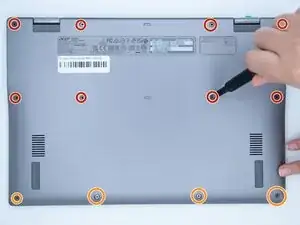
The eight screws on top are 4.90mm x 5.71mm.
-
The four screws on the bottom are 4.81mm x 4.6mm.
-
-
-
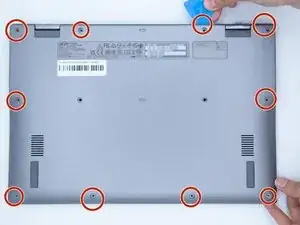
Using a plastic prying tool, unclip the clips that are located around the edges of the device to remove the bottom shell of the laptop.
-
-
-
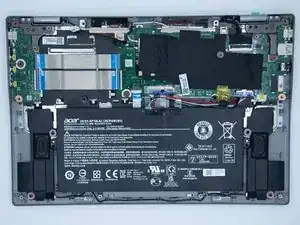
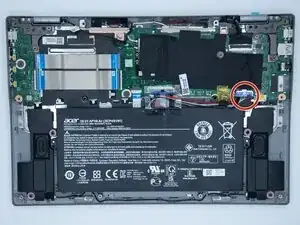
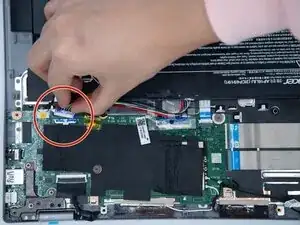
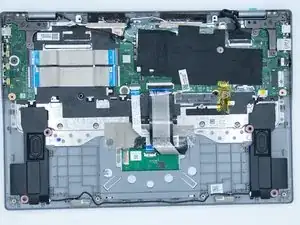
Once the bottom shell of the laptop has been taken off locate the battery connector and remove it.
-
Conclusão
To reassemble your device, follow these instructions in reverse order.
