Introdução
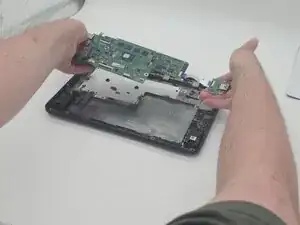
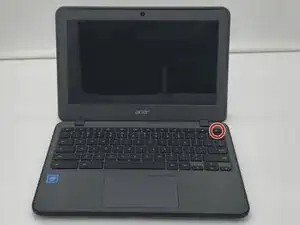
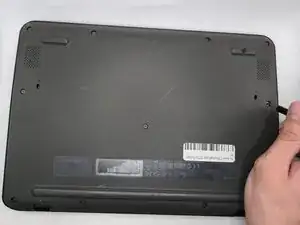
This is a removal/replacement guide for the I/O Board of the Acer Chromebook C731 T-C42N. This guide requires the completion of 2 pre-requisite guides to start removing/replacing the I/O board.
You may need this guide if your screen is cracked, not displaying anything, or otherwise broken.
This guide may be followed in reverse order to re-assemble.
Hazard Statements:
If your laptop/battery is smoking, swollen, or emitting a bad smell, stop working and back away. Please refer to this guide: Swollen Battery Safety
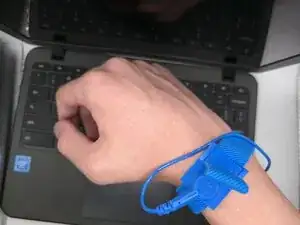
To properly don the anti-static wrist strap, follow this Anti-static Wrist Strap Guide. If this guide is not properly followed, you risk damage to your laptop.


-
-
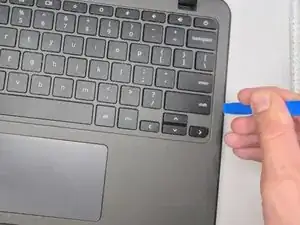
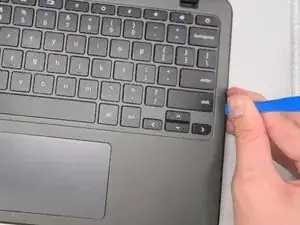
Insert an opening tool between the chassis and keyboard/palm rest assembly.
-
Pry around the entire perimeter until the assembly releases.
-
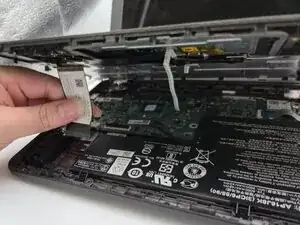
Slightly lift the assembly, with care not to strain the two connected ribbon cables.
-
-
-
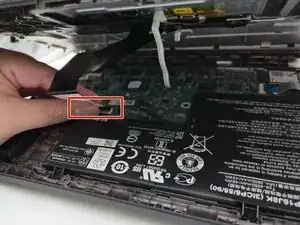
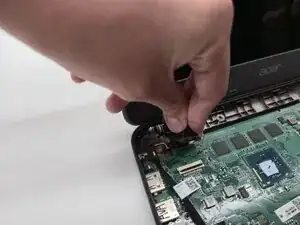
Flip up the locking tab on the left ZIF connection and pull the cable out parallel to the to the socket.
-
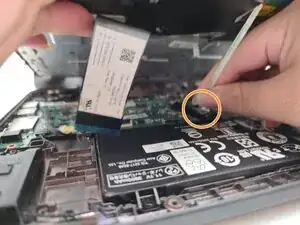
Disconnect the second ribbon cable.
-
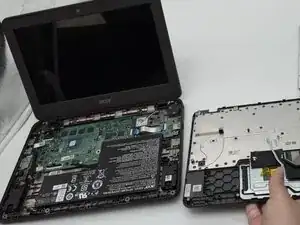
Remove the keyboard and palm rest assembly.
-
-
-
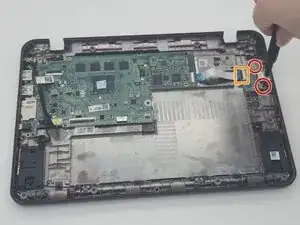
Remove the two 3.5 mm-long screws securing the I/O board.
-
Flip up the locking flap securing the I/O board ribbon cable.
-
Remove the I/O board.
-
-
-
Use a Phillips #0 screwdriver to remove the three 3.6 mm-long screws securing the battery.
-
Lift the battery up and out.
-
-
-
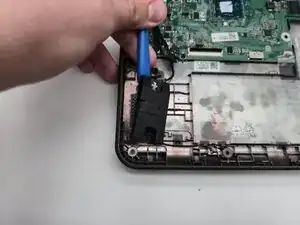
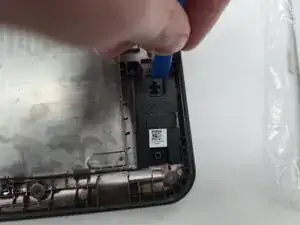
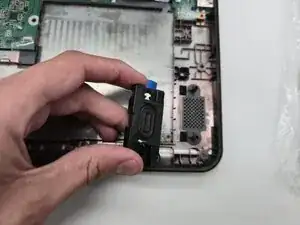
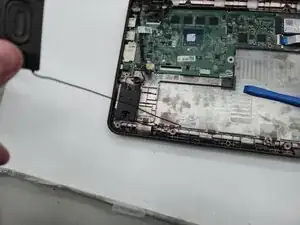
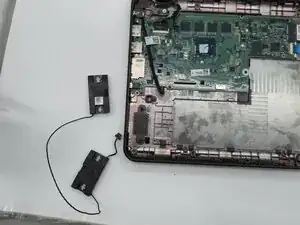
Remove the left speaker using the iFixit Opening tool, by prying it from the frame.
-
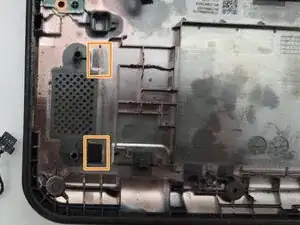
Keep the force even while pulling the speaker off of the two pins.
-
The speaker itself is held by adhesive. Force will be required when removing the speaker.
-
-
-
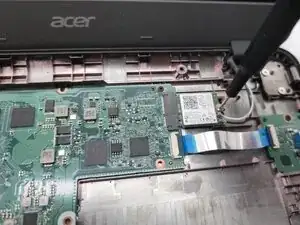
Use a Phillips #0 screwdriver to remove the 4.6 mm-long securing the Wi-Fi card.
-
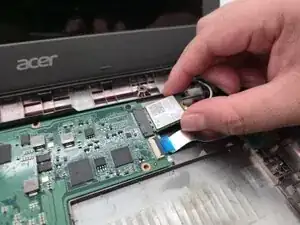
Use the pointed tip of a spudger to pry up and disconnect the two antenna cables.
-
Remove the Wi-Fi card.
-
-
-
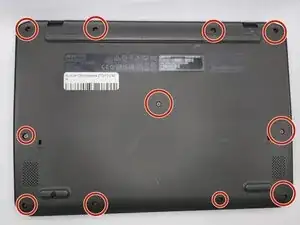
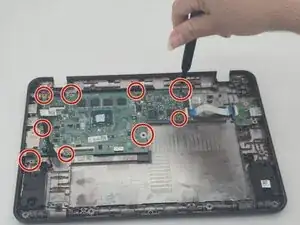
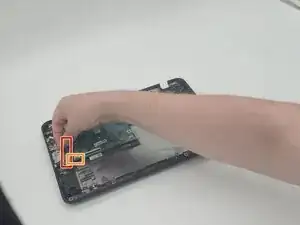
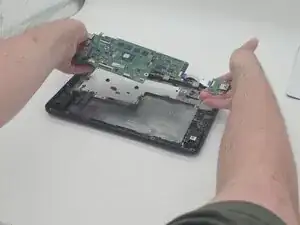
Use a Phillips #0 screwdriver to remove all nine 3.5 mm-long screws securing the motherboard.
-
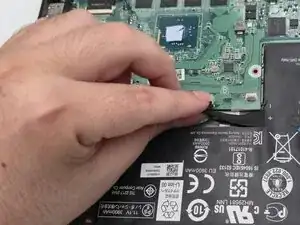
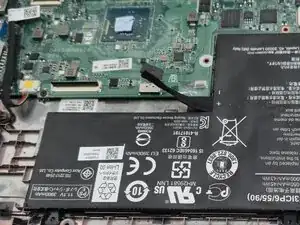
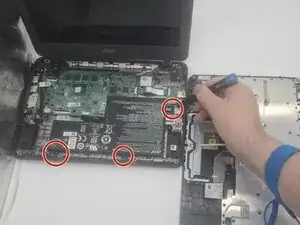
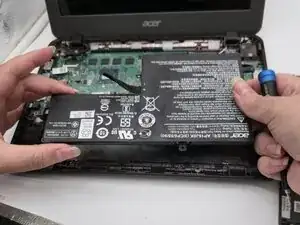
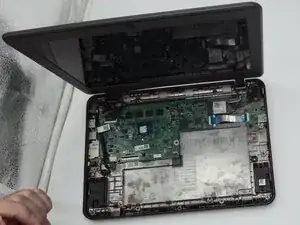
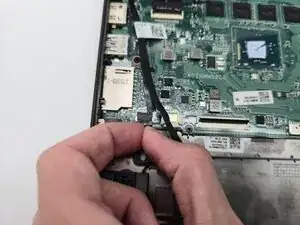
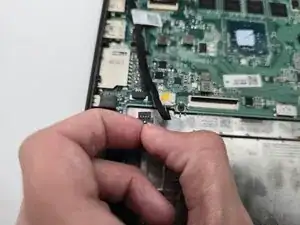
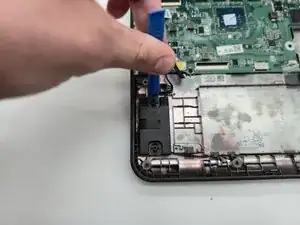
To reassemble your device, follow the above steps in reverse order.
Take your e-waste to an R2 or e-Stewards certified recycler.
Repair didn’t go as planned? Try some basic troubleshooting or ask our Answers community for help.