Introdução
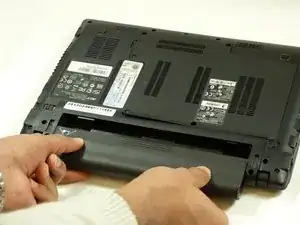
The hard drive is the storage location for the laptop's memory and processing, the data compartment. This guide offers step by step instructions to replace the hard drive.
Ferramentas


-
-
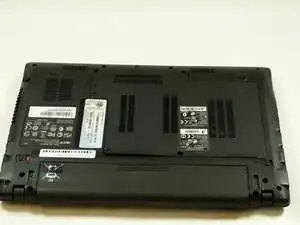
Turn laptop so under side is facing up.
-
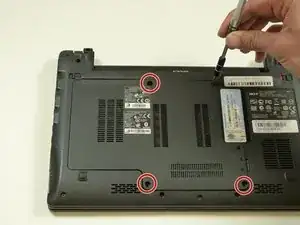
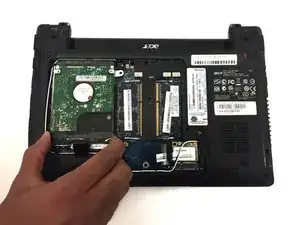
Locate the hard drive door and unscrew the 5 screws using PH0 mm Phillips Head.
-
-
-
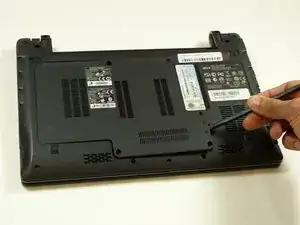
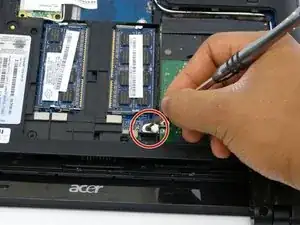
Remove screw attached to the hard drive using the PH0 mm Phillips Head.
-
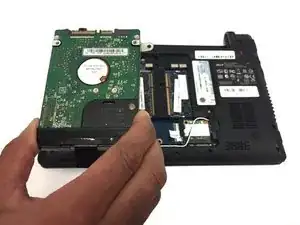
The hard drive can now be removed from the device.
-
To reassemble your device, follow these instructions in reverse order.

Um comentário
Note that in the last step, you've removed the screw that link the drive holder to the frame. You can unscrew this holder from the drive and use it for your next drive if you want a perfect fit. Though that's probably unnecessary for a SSD (might be a good idea for a HDD, on the other hand).