Introdução
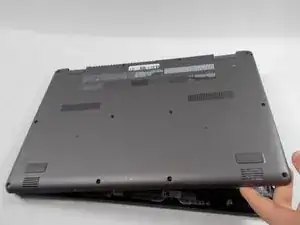
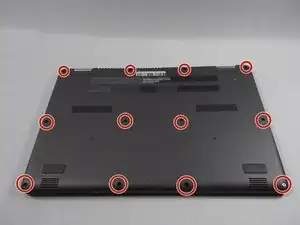
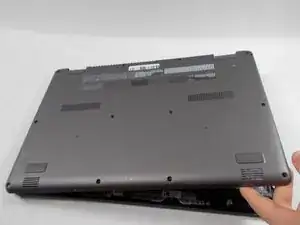
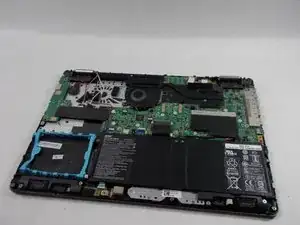
If your back panel has physical damage, like faulty hinges or cracks, or you need to access internal components of your device, use this guide to replace/remove the back panel of your Acer Aspire R5-571T-57Z0.
A back panel with damage may crack your screen and cause internal damage. Please replace the panel using this guide before proceeding to use your Acer Aspire.
Before beginning, ensure that your device is powered off and disconnected from all external power sources.
Ferramentas


Conclusão
To reassemble your device, follow these instructions in reverse order.