Introdução
Whether due to accident or age, hard drives oftentimes need to be replaced. This guide will show you how to replace your laptop's hard drive with a new one.
Ferramentas

-
-
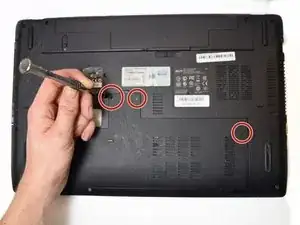
Begin by unscrewing the four Phillips #0 7.5mm screws holding the bottom panel.
-
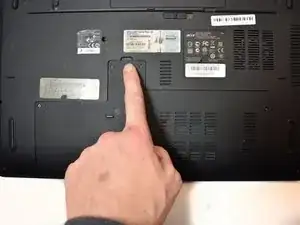
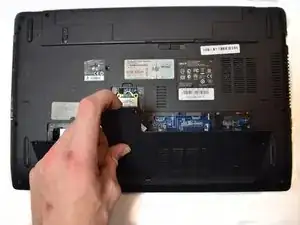
Then lift the panel off the laptop by the tab on its top.
-
-
-
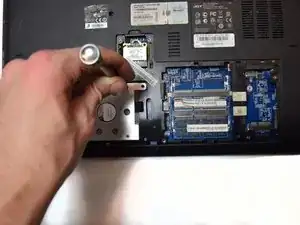
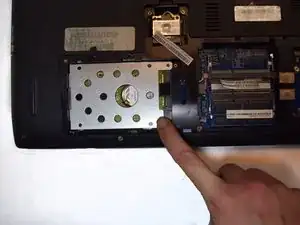
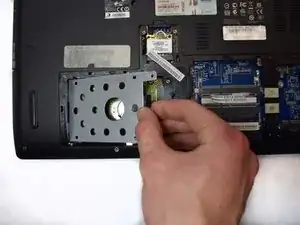
Unscrew all the Phillips #0 6.0mm screws holding the hard drive tray to the laptop.
-
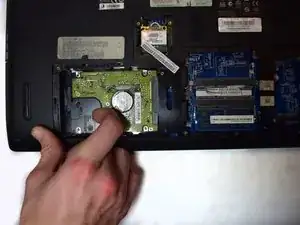
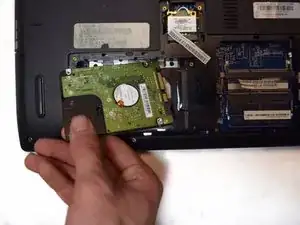
Remove the hard drive tray.
-
Conclusão
To reassemble your device, follow these instructions in reverse order.

Um comentário
Someone can help me clean his fan and replace his conductive paste.
Ma poate ajuta cineva sa îi curat ventilatorul si sa îi înlocuiesc pasta conductoare.
Mulțumesc anticipat.
Thank you in advance.