Introdução
The Acer Aspire 5 A515-46-R3UB is equipped with an expandable 4GB DDR4 RAM. RAM is essentially the memory for your laptop. It is a short-term memory where data is stored as the processor needs it. Similar to a physical workspace, it stores all the tools you are actively using for this project. Once the computer is shut down, the RAM is erased, whereas information in a hard drive would not be erased. If you are experiencing slow loading times or memory error messages, you may need to replace your laptop's RAM.
Note: This device did not have existing RAM to demonstrate removing the RAM stick.
For other troubleshooting information, please refer to the Acer Aspire 5 A515-46-R3UB Troubleshooting page.
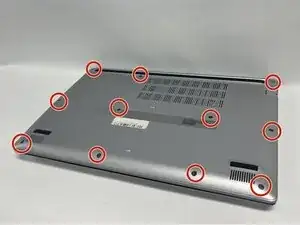
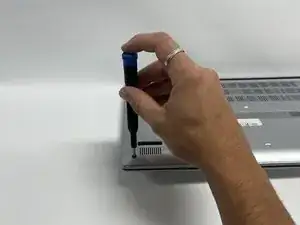
Before you begin, turn off your laptop and disconnect from the charger.


-
-
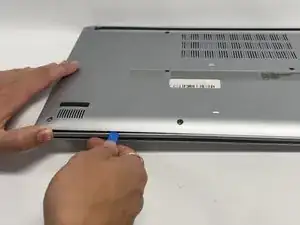
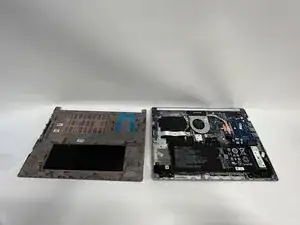
Use an opening tool and picks to pry the bottom cover from the laptop.
-
Work your way around the perimeter of the bottom cover, releasing any clips before you remove the bottom case.
-
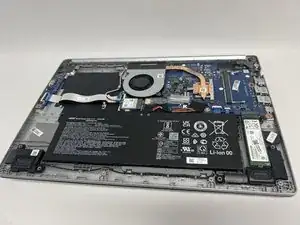
Remove the bottom case.
-
-
-
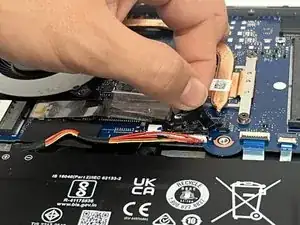
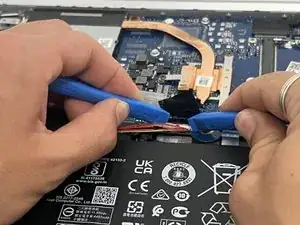
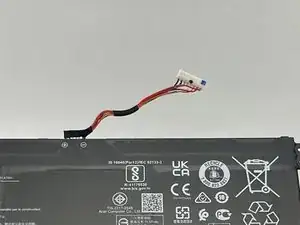
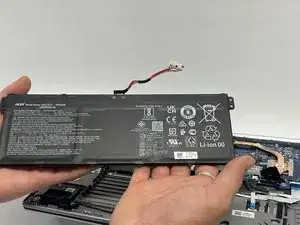
Use the plastic opening tool to carefully push on each side of the connector and remove it from the socket.
-
-
-
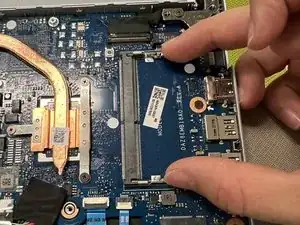
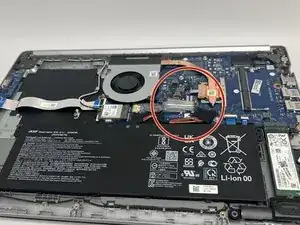
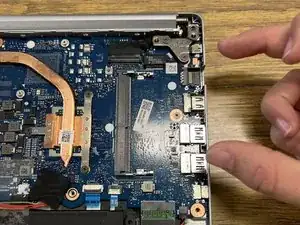
After opening the computer case, remove the RAM device from its slot as indicated in the photos.
-
Insert upgraded RAM into this slot.
-
Repeat the steps in reverse order to reassemble the computer.
-
To reassemble your device, follow these instructions in reverse order.
