Introdução

Use this guide to replace the lower case on a Acer Aspire 3 A315-24PT-R288.

  1. af6TWBXQwoyGnOEy
    af6TWBXQwoyGnOEy
    oOQ6KrTjSlKiqRi3
    • For your safety, unplug all peripheries, discharge the battery below 25%, and power down your device before beginning disassembly.

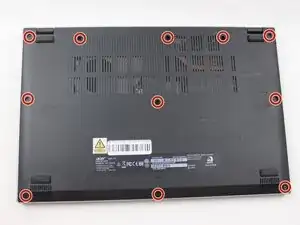
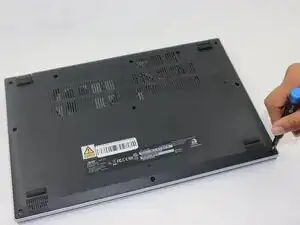
    • Use a Phillips screwdriver to remove the eleven 2 mm screws that secure the lower case.

  2. qa4OZosd5ygHyMYn
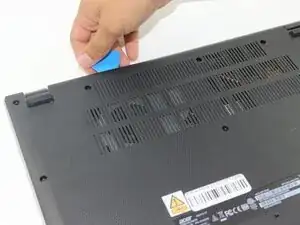
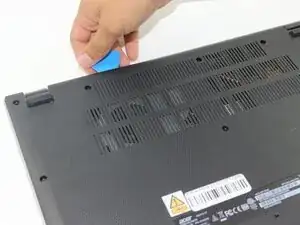
    • Insert an opening pick in the seam between the chassis and the lower case.

    • Slide the opening pick around the entire perimeter, prying every couple of centimeters, to release all of the retaining clips that secure the lower case.

    • Remove the lower case.

    Dont be shy on this. You need to get between the cover and the case and push the cover inwards away from the outer case to release each clip. Hardest section is front of the computer.

    mail -

Conclusão

To reassemble your device, follow these instructions in reverse order.

Connor Bassolino

Membro desde: 29/03/22

21106 Reputação

0 comentários