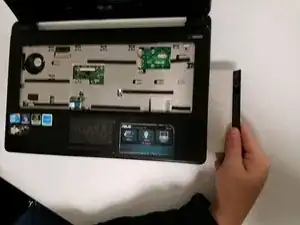
Introdução
Ferramentas

Peças
Conclusão
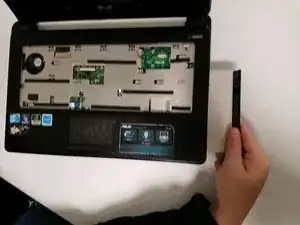
To reassemble your device, follow these instructions in reverse order.

To reassemble your device, follow these instructions in reverse order.