Introdução
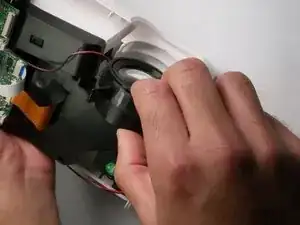
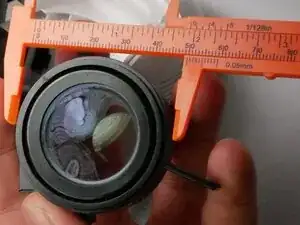
This guide will show you how to replace the 9000Lux projector lens. If your projector is displaying blurry, dim, or out-of-focus images or has a damaged lens, follow this guide.
The projector lens is responsible for sharpening and directing the image, so a damaged or malfunctioning one will immediately affect picture clarity.
No prior electronics experience is required for this repair, but handle the lens and internal components carefully to avoid scratching the glass or introducing dust into the projector. Make sure the device is powered off and unplugged before beginning to avoid heat or electrical hazards.
Ferramentas

-
-
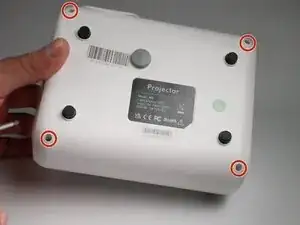
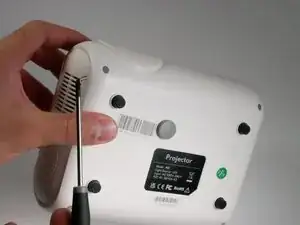
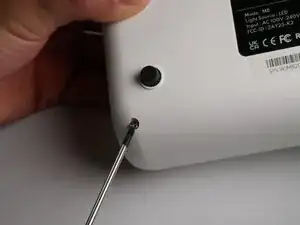
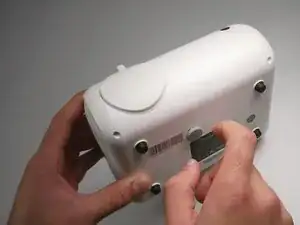
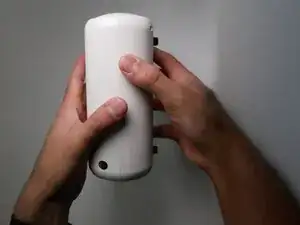
Remove the four 3mm screws located in the corners of the bottom shell using a Phillips #0 screwdriver.
-
-
-
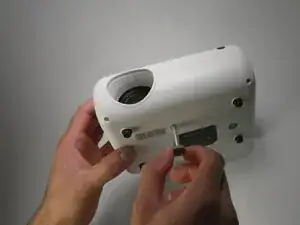
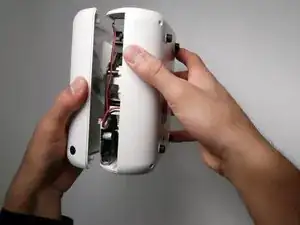
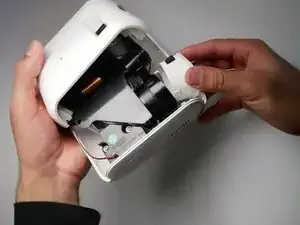
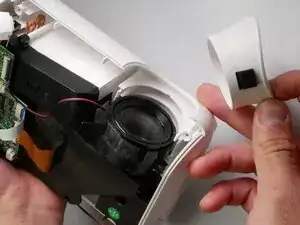
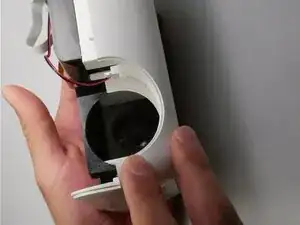
Remove the white exterior ring from the projector.
-
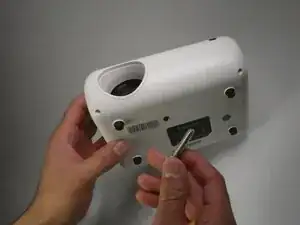
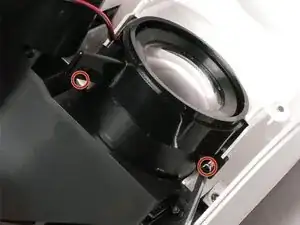
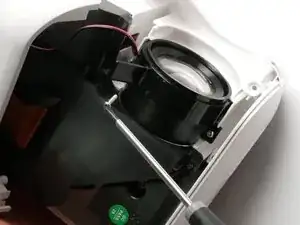
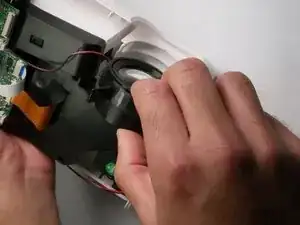
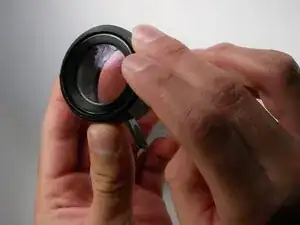
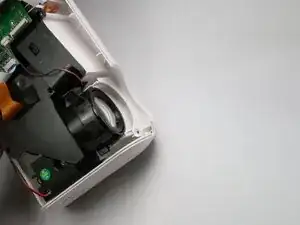
Remove the two small screws that secure the lens to the body using a Phillips #0 screwdriver.
-
To reassemble your device, follow these steps in the opposite order.