Introdução
-
-
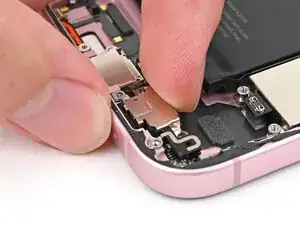
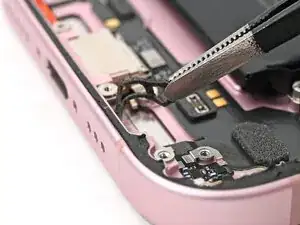
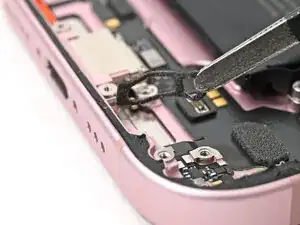
Use tweezers or your fingers to remove the old adhesive from the bottom of the frame.
-
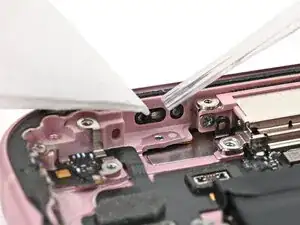
If there's adhesive residue on the frame, use high concentration isopropyl alcohol (greater than 90%) and a coffee filter or lint-free cloth to clean it.
-
-
-
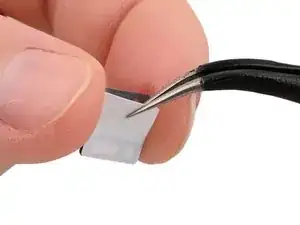
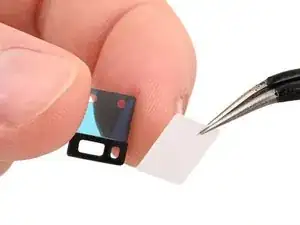
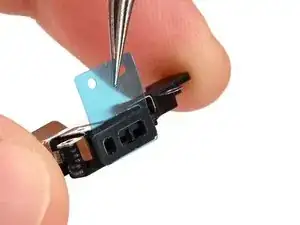
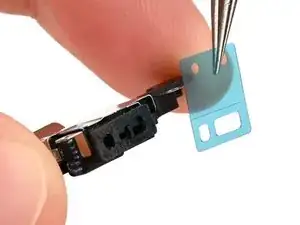
While holding the microphone adhesive with one hand, use your fingers or a pair of tweezers to remove the white liner from the adhesive.
-
-
-
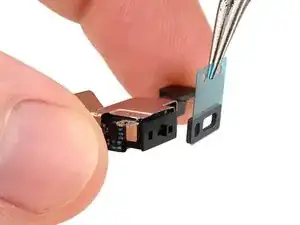
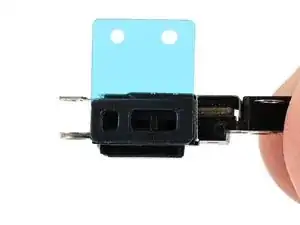
Hold the microphone so the metal side is facing up.
-
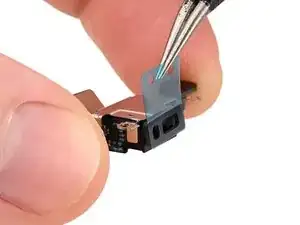
Apply the adhesive to the microphone with the pull tab pointing up.
-
-
-
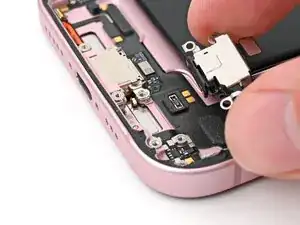
Insert the microphone at a downward angle so the adhesive adheres firmly to the frame around the sound channel.
-
Press the microphone firmly into place.
-
-
-
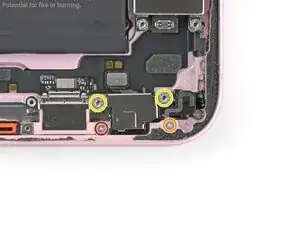
Use a tri-point Y000 driver to install the 1.3 mm screw securing the grounding clip and microphone.
-
Use a Phillips #000 driver to install the 1.3 mm screw securing the bottom right of the microphone.
-
Use a standoff driver to install the two 3 mm standoff screws securing top of the microphone.
-
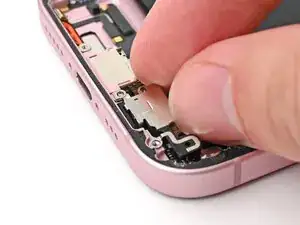
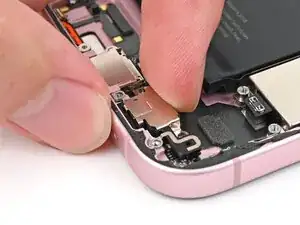
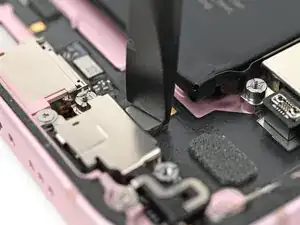
To reassemble your device, follow these instructions in reverse order.
