Introdução
Ferramentas


-
-
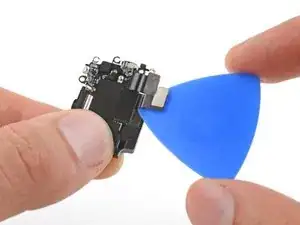
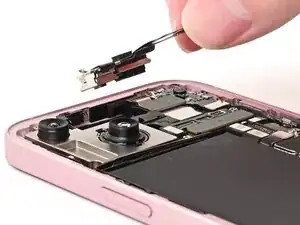
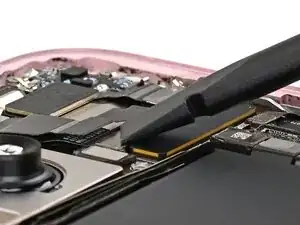
Insert an opening pick between the antenna and the earpiece speaker.
-
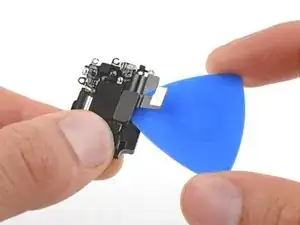
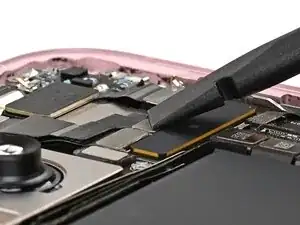
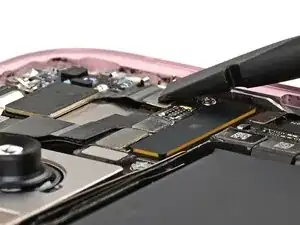
Slide the pick under the antenna and pry up to separate the adhesive securing it.
-
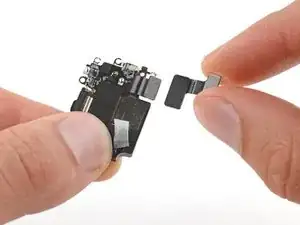
Remove the antenna.
-
-
-
Align the gasket on the earpiece speaker with its sound channel.
-
Press the earpiece speaker onto the frame so it lies flat.
-
-
-
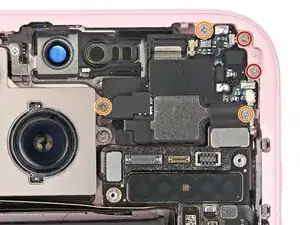
Use a Phillips #000 driver to install the five screws securing the earpiece speaker:
-
Two 1.1 mm‑long screws
-
Three 1.6 mm‑long screws
-
-
-
Slide the front camera assembly into its recess in the frame.
-
Set the assembly down so it lies flat.
-
-
-
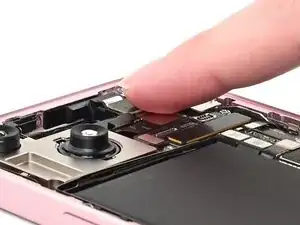
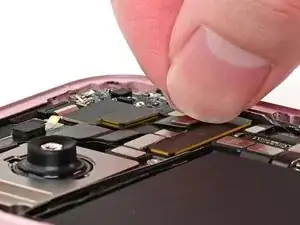
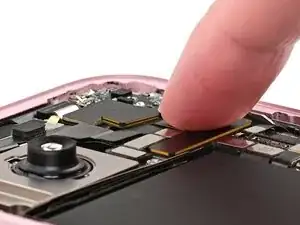
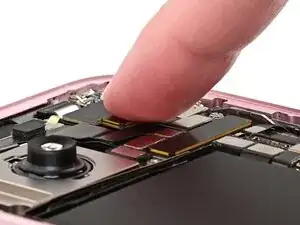
Use the flat end of a spudger or your finger to connect the front camera and earpiece speaker press connectors.
-
-
-
Remove any leftover adhesive from the underside of the antenna.
-
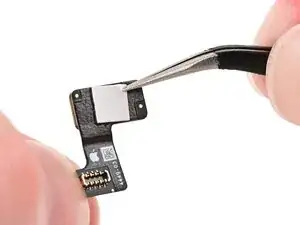
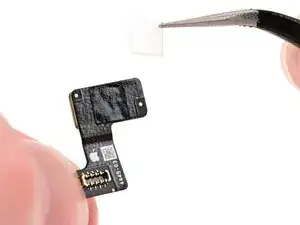
Install a small square of thin, double-sided tape onto the underside of the 5G mmWave antenna.
-
Use tweezers to remove the adhesive liner.
-
-
-
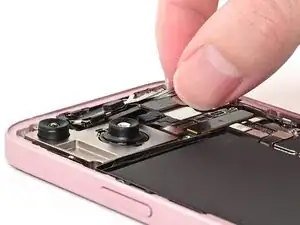
Align the 5G mmWave antenna with its connector and spot on the earpiece speaker.
-
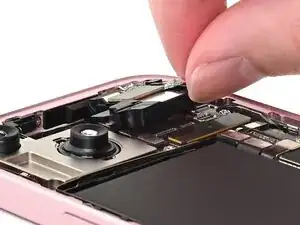
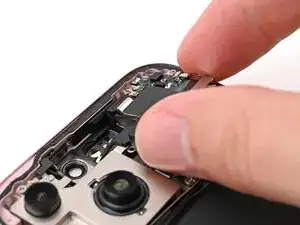
Use your finger or a spudger to connect the antenna's press connector, then press the antenna itself onto the earpiece speaker to secure it.
-