Introdução
Ferramentas


-
-
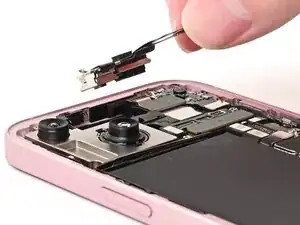
Align the gasket on the earpiece speaker with its sound channel.
-
Press the earpiece speaker onto the frame so it lies flat.
-
-
-
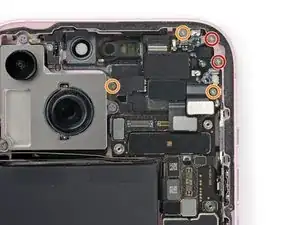
Use a Phillips #000 driver to install the five screws securing the earpiece speaker:
-
Two 1.1 mm‑long screws
-
Three 1.6 mm‑long screws
-
-
-
Slide the front camera assembly into its recess in the frame.
-
Set the assembly down so it lies flat.
-
-
-
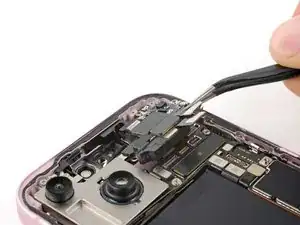
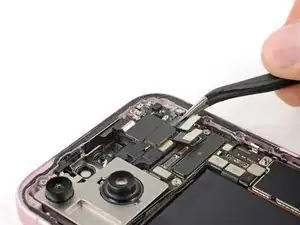
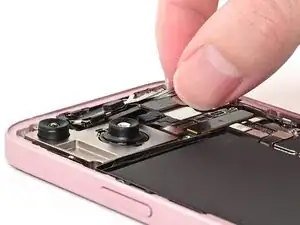
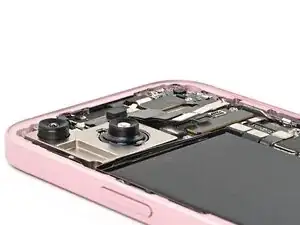
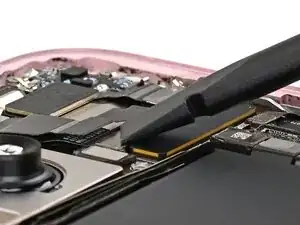
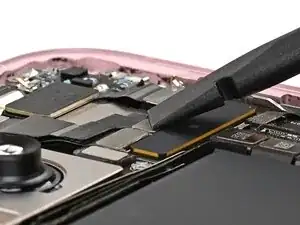
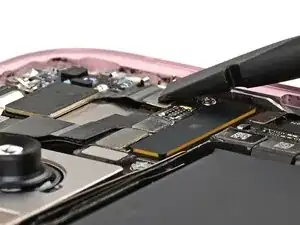
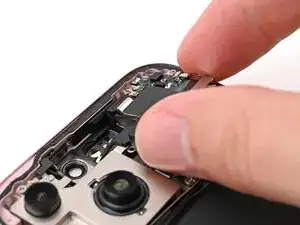
Use the flat end of a spudger or your finger to connect the front camera and earpiece speaker press connectors.
-
If the iPhone has a mmWave antenna, connect it as well.
-
-
-
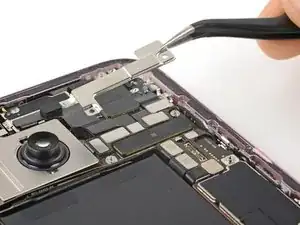
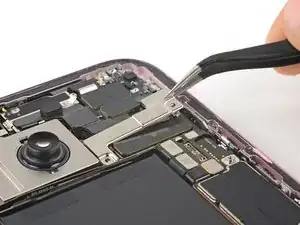
Place the cover over the logic board and align its screw holes.
-
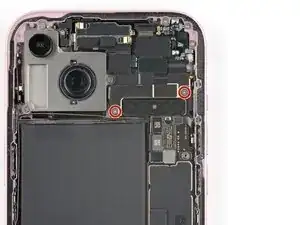
Use your tri-point Y000 driver to install the two 1.3 mm‑long screws securing the upper connector cover.
-