Introdução
-
-
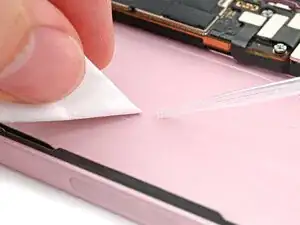
If there's any large pieces of residual battery adhesive remaining, use a pair of tweezers to peel them off the iPhone frame.
-
Use coffee filters or a lint‑free cloth and high‑concentration (>90%) isopropyl alcohol to wipe off any remaining battery adhesive residue from the iPhone frame.
-
-
-
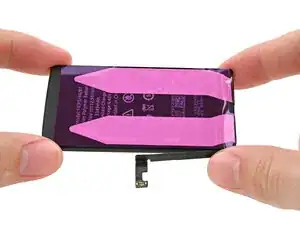
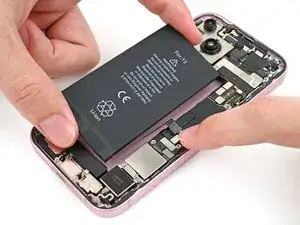
Hold the battery over its place in the iPhone and connect its press connector.
-
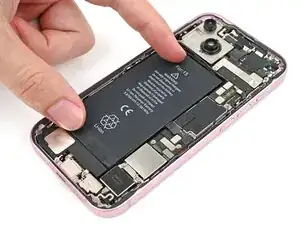
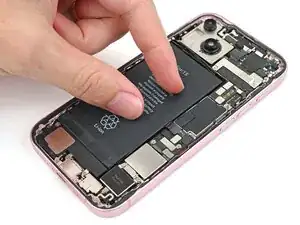
With the battery connected, lower it into place and use your fingers to press it into the frame.
-
After the battery is set, use the tip of a spudger to pry up and disconnect the battery cable press connector.
-
Conclusão
To reassemble your device, follow these instructions in reverse order.
